Pinned Post Ideas for Personal Brands on Instagram →
(What to Pin If You Want Clients, Not Just Likes)
If someone lands on your Instagram profile for the first time, you have about 3 seconds to answer the question they’re actually asking:
“Is this for me?”
That’s where pinned posts come in.
Pinned posts aren’t decoration.
They’re not highlights.
They’re not “best-performing content.”
They’re your front door.
If your Instagram profile were a website, your pinned posts would be:
→ your About page
→ your Services page
→ your Freebie / Start Here page
And yet—most personal brands are pinning posts at random and hoping for the best.
Let’s fix that.
What Are Pinned Posts on Instagram (and Why They Matter)?
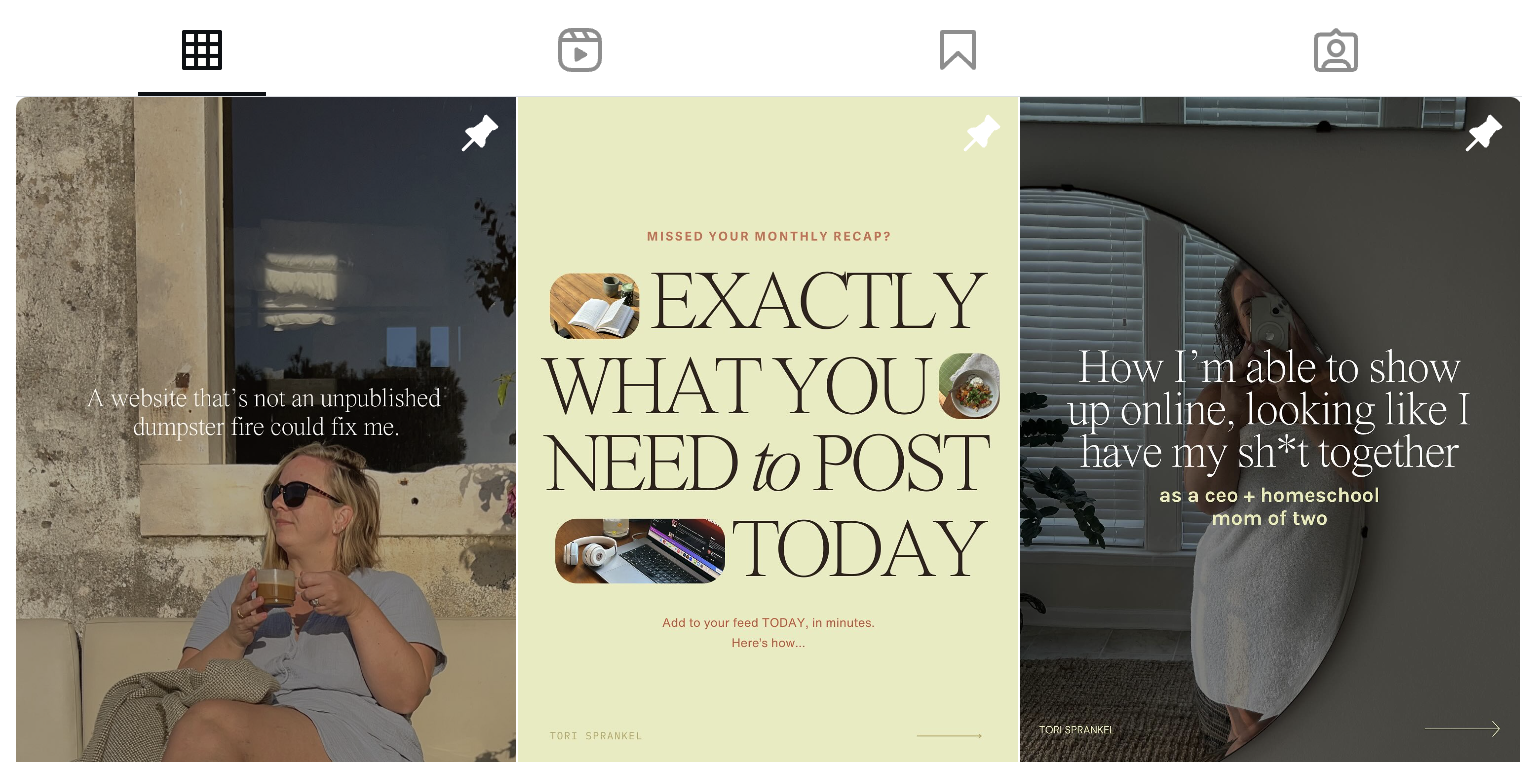
Pinned posts allow you to lock up to three posts to the top of your Instagram grid so they’re the first thing people see.
Instagram doesn’t show your feed in chronological order anymore, which means you can’t rely on someone scrolling back months to understand what you do.
Pinned posts solve that.
They help you:
→ Control the first impression
→ Clarify your message instantly
→ Guide new followers toward working with you
If you’re a personal brand, this is non-negotiable.
The 3 Pinned Posts Every Personal Brand Needs
Here’s the framework I recommend for moms building a business on Instagram:
1. The “About Me” Pinned Post
(Who you are + who you help)
This post answers:
→ Who are you?
→ What do you do?
→ Who is this account for?
Think of this as your About page, not your life story.
What to include:
→ A clear description of who you help
→ Your main offer or area of expertise
→ A line that makes someone feel seen
Formats that work well:
→ Carousel
→ Reel with text overlay
→ Static graphic with bold copy
This is not the place to be mysterious.
Clarity = trust.
2. The “Services” or “How I Can Help” Pinned Post
(What you offer + how to work with you)
This post answers:
→ How can I work with you?
→ What do you actually sell?
So many moms avoid this because it feels “salesy,” but here’s the truth:
If people don’t know what you offer, they won’t buy.
What to include:
→ Your main services or offers
→ Who each offer is for
→ Where to go next (DM, link in bio, website)
Think:
→ simple
→ skimmable
→ obvious
Your pinned post should do the explaining for you.
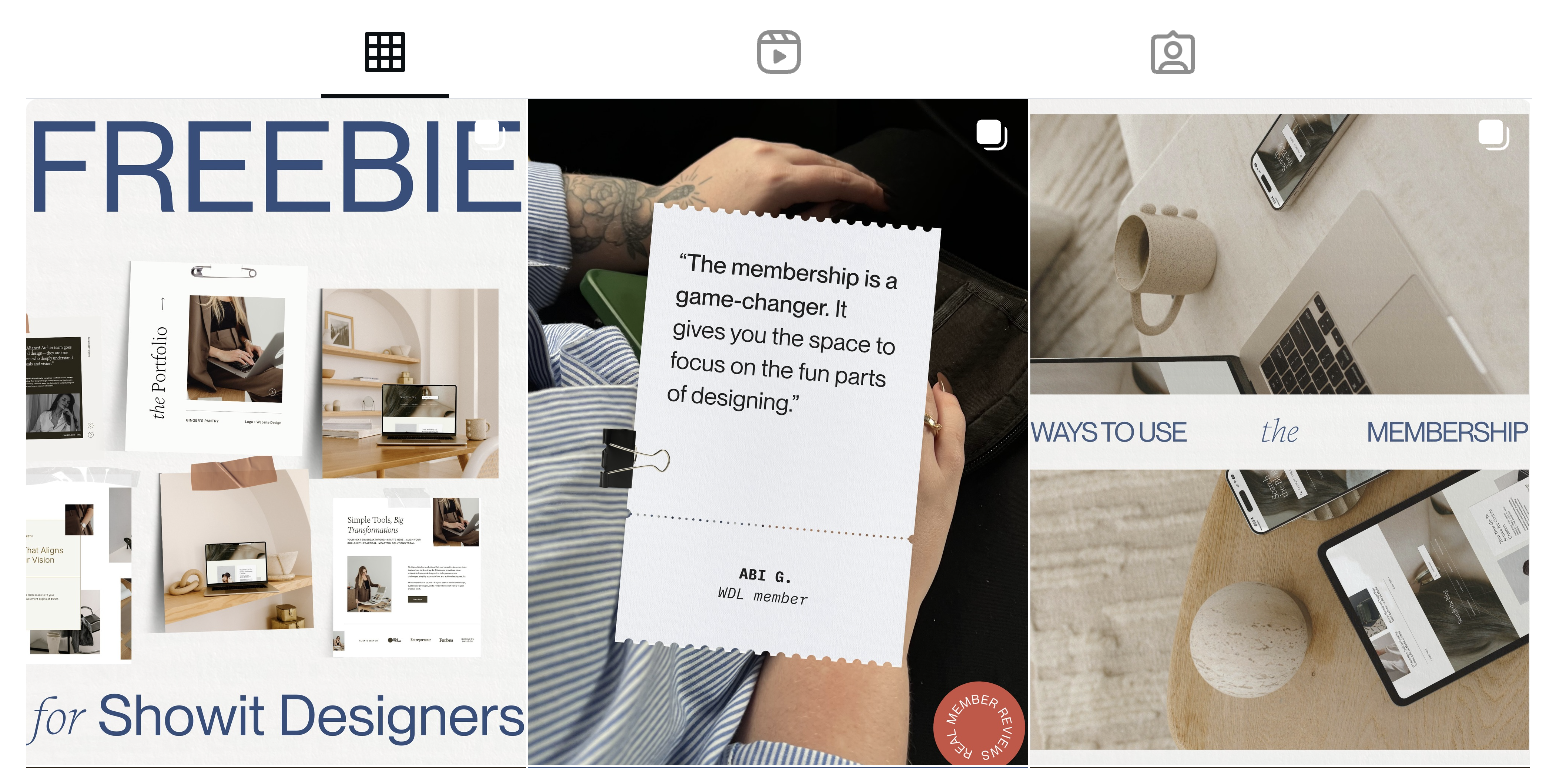
3. The “Freebie” or “Start Here” Pinned Post
(Value first, relationship second)
This post answers:
→ What can I get from you right now?
A free resource builds:
→ trust
→ email list growth
→ long-term visibility
What to include:
→ One core freebie
→ What problem it solves
→ Why it’s helpful
→ How to access it
This is where Instagram starts working beyond the app.
Why This Works (Especially for Moms)
As a mom, you don’t have time to:
→ explain your business in DMs all day
→ resend links constantly
→ reintroduce yourself every week
Pinned posts:
→ do the heavy lifting
→ reduce mental load
→ create consistency without constant posting
They’re the quiet system behind sustainable growth.
How to Design Pinned Posts Without Overthinking
Here’s where most people get stuck:
→ “I don’t know what they should look like.”
Your pinned posts don’t need to be flashy.
They need to be:
→ readable
→ on-brand
→ clear
This is exactly why I recommend using Canva templates (these are free!)—especially if design isn’t your favorite thing.
With templates, you can:
→ Keep your grid cohesive
→ Swap text quickly
→ Update pinned posts as your offers evolve
Pinned posts are living content. You’re allowed to change them.
How Often Should You Update Pinned Posts?
Short answer:
→ Whenever your offers or direction change
Longer answer:
→ Check them every 3–6 months
Ask yourself:
→ Does this still reflect what I sell?
→ Would a stranger understand my business in 10 seconds?
If not—it’s time to refresh.
Final Thought: Pinned Posts Are Strategy First, Aesthetic Second
Your Instagram doesn’t need to be louder.
It needs to be clearer.
Pinned posts help you:
→ guide new followers
→ attract aligned clients
→ stop relying on viral content
They’re small, but they’re powerful.
And they work while you’re busy doing literally everything else.

Love this post? You’ll love these FREE Instagram Canva Templates →
Ready to turn your boring “always selling” posts into a delicious, bingeable mix of business and pleasure? (I call this “my soft pretzel".) These templates are perfectly curated to help you create your soft pretzel life monthly recaps and personal brand posts that low key sells, and high key connects with your community.

Grab your FREE Showit Link in Bio Page Set →
A completely (and quickly) customizable, high-converting Showit Page Duo to make your brand look professional, legit, and ready for clients, all from one link. If you’re running a business from your phone, you need one simple page that makes it easy for people to book you, buy from you, or connect with you—without the overwhelm of building a full website (yet).

Ready to finally go all-in on your brand and web?
Let’s do it!
I’ve developed lots of brand support options just for you. No matter what part of the branding journey you’re in, we should find a fit. From Brands-in-a-Day to Web and Social Media Design, I work in lightning-fast turn around to get you out the door and on your way to being your industry’s Go-To Girlie.