Showit vs Squarespace for Motherhood Brands →
If you’re a mom building a business, your website isn’t just a “nice-to-have.”
It’s:
→ your digital home base
→ your credibility builder
→ your 24/7 salesperson
And yet, choosing a platform can feel weirdly high-stakes—especially when you’re doing this between nap times and school pickups.
So let’s talk Showit vs Squarespace in a way that actually reflects real life as a mom entrepreneur—not tech forums, not bro-marketing blogs, not “just hire a developer” energy.

Client Spotlight: Eat Play Say (on Showit)
The Real Question Isn’t Showit vs Squarespace
The real question is:
How much flexibility, control, and growth room do you want right now?
Because both platforms are good.
They just serve very different seasons of business.
Squarespace: Simple, Clean, and Contained
Squarespace is known for being sleek, structured, and beginner-friendly.
Squarespace works best if you:
→ Want to get online quickly
→ Prefer guardrails over freedom
→ Don’t want to think about design decisions
→ Need something “good enough” right now
Pros of Squarespace:
→ All-in-one platform (hosting, security, updates)
→ Clean templates out of the box
→ Minimal setup required
→ Low learning curve
For moms who want to:
→ Put up a site
→ Link it in bio
→ Move on
Squarespace can be a totally valid choice.
Cons of Squarespace:
→ Limited design flexibility
→ Harder to customize layouts
→ SEO structure can feel boxed-in
→ Sites often look… similar
This is usually where moms outgrow it—not because Squarespace is bad, but because their business starts asking for more personality and strategy.
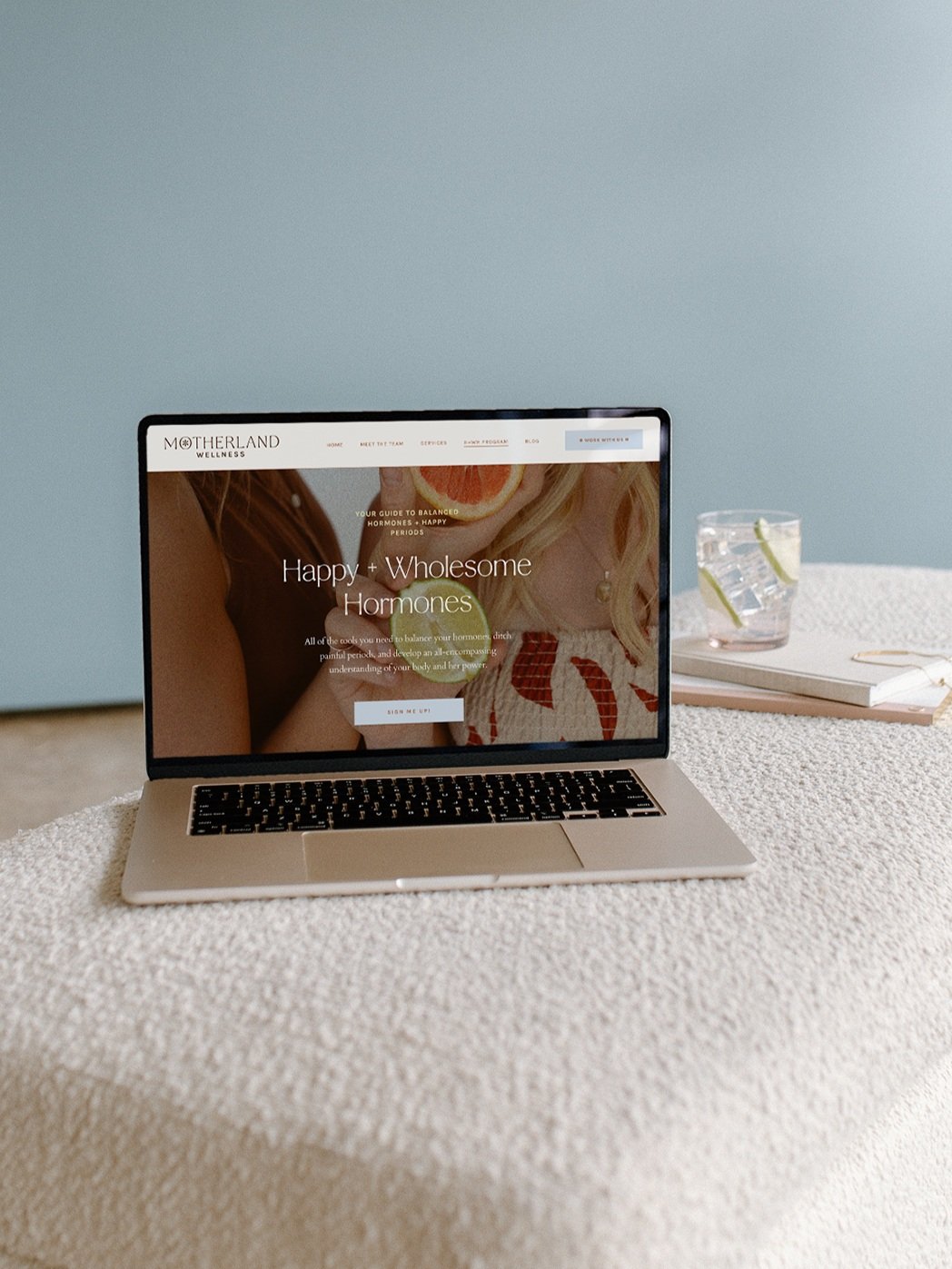
Client Spotlight: Motherland Wellness (on Squarespace)
Showit: Creative Freedom + Strategic Growth
Showit is a drag-and-drop website builder built for creatives, service providers, and personal brands.
And yes—it looks different because it is different.
Showit works best if you:
→ Care about branding and storytelling
→ Want your site to feel like you
→ Plan to grow offers over time
→ Want a website that evolves with your business
Pros of Showit:
→ Total design freedom (literally drag anything anywhere)
→ No code required
→ Built-in WordPress blog for SEO
→ Ideal for service providers and personal brands
Showit shines when:
→ Your brand matters
→ You want your website to feel intentional
→ You’re thinking long-term visibility and Google traffic
Cons of Showit:
→ Slightly higher learning curve
→ Too much freedom can feel overwhelming without a plan
→ Best results come from templates or strategy
This is where “eldest daughter energy” comes in—you can figure it out yourself, but you don’t need to do it the hard way.
Showit vs Squarespace: Side-by-Side for Moms
Here’s the honest comparison:
Squarespace
→ Faster setup
→ Fewer decisions
→ Less customization
→ Better for short-term needs
Showit
→ More flexibility
→ Stronger branding
→ Better long-term SEO with blogging
→ Built to scale with you
If Squarespace is:
→ “Let me get something up.”
Showit is:
→ “Let me build something that actually grows with me.”

Client Spotlight: Desired Pediatric (on Showit)
Why Most Moms Eventually Switch to Showit
What I see over and over again:
→ Moms start on Squarespace
→ Their business grows
→ They want more control
→ They want a site that feels less generic
Showit becomes the natural next step when:
→ You’re ready to be taken seriously
→ Your services or templates need space to breathe
→ Your website becomes part of your marketing strategy
How to Choose Without Overthinking
Here’s your permission slip:
Choose Squarespace if:
→ You’re early
→ You need speed
→ You want minimal decisions
Choose Showit if:
→ You’re building a personal brand
→ You want SEO and visibility
→ You plan to grow offers or services
→ You want your site to actually sound and look like you
There’s no moral high ground here—just alignment.
Want Showit Without Starting From Scratch?
This is exactly why I design Showit website templates for moms.
They’re built to:
→ Launch quickly
→ Look custom without custom pricing
→ Guide you page by page
→ Support growth (not just aesthetics)
And if you want someone to:
→ Design it for you
→ Strategize your site structure
→ Handle the tech and details
That’s where my 1:1 web services come in.
No DIY overwhelm. No guessing. Just a website that works.
Final Word (From One Eldest Daughter to Another)
Your website doesn’t need to be perfect.
It needs to be functional, aligned, and sustainable.
Pick the platform that supports:
→ your time
→ your capacity
→ your next season
You’re allowed to build this in layers… and I’m here to help!

Love this post? You’ll love these FREE Instagram Canva Templates →
Ready to turn your boring “always selling” posts into a delicious, bingeable mix of business and pleasure? (I call this “my soft pretzel".) These templates are perfectly curated to help you create your soft pretzel life monthly recaps and personal brand posts that low key sells, and high key connects with your community.

Grab your FREE Showit Link in Bio Page Set →
A completely (and quickly) customizable, high-converting Showit Page Duo to make your brand look professional, legit, and ready for clients, all from one link. If you’re running a business from your phone, you need one simple page that makes it easy for people to book you, buy from you, or connect with you—without the overwhelm of building a full website (yet).

Ready to finally go all-in on your brand and web?
Let’s do it!
I’ve developed lots of brand support options just for you. No matter what part of the branding journey you’re in, we should find a fit. From Brands-in-a-Day to Web and Social Media Design, I work in lightning-fast turn around to get you out the door and on your way to being your industry’s Go-To Girlie.