Everything You Need to Show Up Online This Week
This is your Personal Brand starter pack
You’ve been thinking about “getting serious” about your personal brand for a while now.
Maybe since January. Maybe since the last time someone asked for your website and you cringed. Maybe since you saw someone in your industry show up so consistently online that it looked easy and you wondered what they knew that you didn’t.
Here’s what I want you to know: it’s not magic. It’s not a personality type. It’s not having more time than you. It’s a system. A small, specific, totally learnable system — and you don’t need to have everything figured out to start.
This post is the starter pack. Not a 47-step roadmap. Not an overwhelming list of things you should be doing. Just the things that actually matter when you’re building a personal brand from scratch (or finally getting serious about the one you’ve been half-building for years).
Everything on this list is something you can do this week. Some of it you can do today. Let’s go.
First: What a Personal Brand Actually Is (and Isn’t)
A personal brand is not a logo. It’s not a color palette. It’s not a perfectly curated Instagram feed.
A personal brand is the impression people have of you when they encounter you and your work online. It’s what they think, feel, and remember. It’s the answer to: “who is this person and is she for me?”
The visual stuff — the colors, the fonts, the templates — that’s the container. But what fills the container is your voice, your perspective, your specific take on the work you do and the life you’re living while you do it.
A strong personal brand doesn’t look perfect. It looks like you. And the fastest way to build one is to stop trying to make it perfect and start making it consistent.
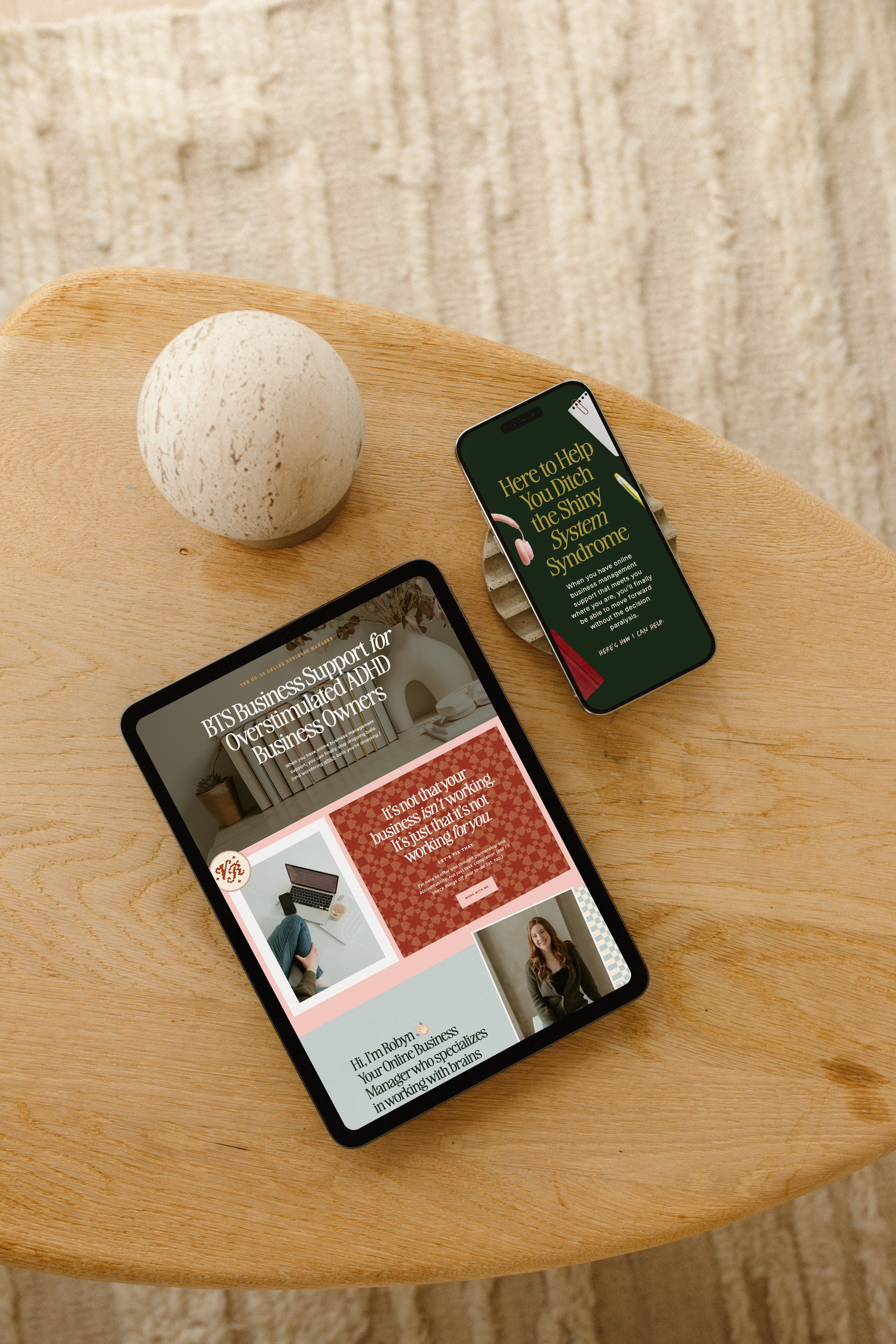
for example:My client, Virtually Robyn leans hard into her “grandma-core” serial hobbyist personal brand. See more of her brand here.
The Personal Brand Starter Pack: 7 Things to Set Up First
1. A Brand Kit in Canva
Before you design a single post, set up your Canva brand kit. This is where you save your brand colors (3–5 hex codes), your fonts (a heading font and a body font), and your logo. Once it’s there, Canva applies it automatically to every template you open.
This one step eliminates the single biggest reason personal brand content looks inconsistent: starting from scratch every time. Your brand kit is your visual shortcut. It takes about 20 minutes to set up and saves you hours every single month.
→ Full guide: How to Set Up Your Canva Brand Kit (full step-by-step guide)
2. An Instagram Bio That Does Its Job
Your bio has three seconds and 150 characters to answer: “is this person for me?” Most personal brand bios answer a completely different question (“what is this person’s job title?”) and wonder why they’re not converting.
A converting bio needs four things: who you help and what you do for them, a specific detail that makes your ideal client self-identify, one sliver of real personality, and one clear call to action. That’s it. No flower bullets required.
→ Full guide: How to Write an Instagram Bio That Actually Converts
3. A Small Set of Go-To Content Templates
You don’t need 40 templates. You need 5–8 that you actually come back to: a carousel layout for tutorials and lists, a text-forward template for opinions and hot takes, a lifestyle or photo-led template for personal content, and something for your monthly recaps.
When your templates are decided in advance, creating content stops being a design project and starts being a writing project. Which is so much faster.
This is exactly what the free Canva templates are: 14 templates built specifically for the biz + life content mix that personal brands run on, with content prompts and a brand kit tutorial included. Download them free here →
→ Full guide: How to Create a Cohesive Instagram Grid (includes template system setup)
4. A Content Mix You Can Actually Sustain
The personal brands that look effortless aren’t posting more than you. They’re posting smarter. They have a mix of content types they rotate through — business value, personal life, behind the scenes, social proof — so they’re never starting from zero.
Pick 3–4 content categories that reflect both your work and your life. Then commit to rotating through them. The rotation is the strategy. Consistency over cleverness, every time.
→ Full guide: 5 Instagram Post Types That Actually Build Trust (and How to Make Them in Canva)
5. A Running Idea List
The blank screen problem isn’t a creativity problem. It’s a capture problem. When an idea hits — in the car, in the shower, at 11pm — you need somewhere to put it immediately. Notes app, voice memo, Notion doc, back of a receipt. It doesn’t matter. What matters is that it exists and you use it.
A running list of 10–20 post ideas means you never open Canva with nothing to say. You open it to execute on something you already decided.
→ Full guide: What to Post on Instagram When You Have No Ideas (10+ ideas organized by energy level)
6. A Simple Batching System
Showing up consistently doesn’t mean posting in real time every day. It means having a system that keeps your content pipeline full without consuming your entire work week.
The CEO mom version of batching is three short sessions instead of one impossible afternoon: 15–20 minutes to plan, 30–45 minutes to write captions, 30–45 minutes to design. Under two hours total. A month of content.
→ Full guide: How to Batch a Month of Instagram Content in One Nap Time
7. Clarity on Whether You’re in a Canva Season or a Designer Season
This one might be the most practically useful thing on this list. Knowing which season you’re in determines how you invest your time and money — and doing the wrong one at the wrong stage is genuinely expensive.
Canva season: you’re still testing your messaging, your revenue isn’t yet consistent, your brand is working and just needs better templates. Designer season: you’re embarrassed to send people to your website, you’re attracting the wrong clients, your brand no longer reflects the level of business you’re running.
Most people reading this are in Canva season. And that’s not a lesser thing — it’s the right move for where you are.
→ Full guide: Canva vs. Hiring a Designer: When to DIY and When to Actually Invest
Your Actual First Step (Not “All of This”)
If you’re looking at this list and feeling like it’s a lot: it’s okay. You don’t do all seven things today. You do one.
Here’s the order I’d suggest if you’re truly starting from scratch:
Week 1: Set up your Canva brand kit (20 minutes). This unlocks everything else.
Week 2: Rewrite your Instagram bio using the four-line framework.
Week 3: Download the free templates and make your first post with your brand kit applied.
Week 4: Define your 3–4 content categories and brainstorm 10 post ideas.
Week 5+: Start batching. Even one session is better than none.
Five weeks. That’s it. Five weeks of one small thing per week and you have a functional personal brand system that runs on its own.

SKIP THE CANVA STRESS, HERE'S FREE TEMPLATES TO GET YOU STARTED—I’ve got the canva pack of Instagram templates for you! It includes mix and match carousel layouts to make endless posts… plus a video tutorial walking you through setup.
The Thing About Waiting Until It’s Perfect
The brands that stand out online aren’t the ones that waited until everything was ready. They’re the ones that started before they were ready and got consistent before they got perfect.
Your ideal client isn’t looking for a flawless brand. She’s looking for someone who gets it — who talks about the things she’s experiencing, who shows up in a way that feels real, who has clearly been in the trenches of building a business in the margins of motherhood and lived to post about it.
You already are that person. The starter pack just helps you look like it online.
The Personal Brand Starter Pack: Master Checklist
Save this. Come back to it. Check things off as you go.
Foundation
Brand colors decided (3–5, hex codes saved)
Brand fonts decided (heading + body)
Canva brand kit set up with both
Logo uploaded to brand kit (even a simple text logo is fine to start)
Instagram Profile
Name field includes a searchable keyword
Bio answers “who is this for” in the first line
Bio has one specific personality detail (not generic)
Bio has one clear CTA
Link in bio goes to one specific destination
Content System
3–4 content categories defined
Templates assigned to each category
Running idea list started (even 5 ideas is a start)
First batch session scheduled on the calendar
Mindset
Decided: you’re in Canva season or designer season
One imperfect post scheduled or drafted
Accepted that consistent beats perfect, always
The Free Starting Point for All of This
Everything on this list is more doable than it looks. And the single thing that makes the most of it faster is having templates that are already built around your brand and your content mix. The free Instagram Canva templates were made for exactly this moment — the “I’m finally doing this” moment.
Inside you get:
14 templates covering every content type in this starter pack
Content prompts for the biz + life blend that builds real connection
A Canva 101+ video tutorial from me walking you through brand kit setup from scratch
Usage ideas so you know exactly which template to reach for and when
They’re free. They’re ready. And they’re the fastest path from “I’ve been meaning to do this” to “I actually did it.”
→ Download the free Canva templates here — and start building the brand you’ve been putting off.

Ready to finally go all-in on your brand and web?
Let’s do it!
I’ve developed lots of brand support options just for you. No matter what part of the branding journey you’re in, we should find a fit. From Brands-in-a-Day to Web and Social Media Design, I work in lightning-fast turn around to get you out the door and on your way to being your industry’s Go-To Girlie.

Grab your FREE Showit Link in Bio Page Set →
A completely (and quickly) customizable, high-converting Showit Page Duo to make your brand look professional, legit, and ready for clients, all from one link. If you’re running a business from your phone, you need one simple page that makes it easy for people to book you, buy from you, or connect with you—without the overwhelm of building a full website (yet).

Grab these FREE Instagram Canva Templates →
Ready to turn your boring “always selling” posts into a delicious, bingeable mix of business and pleasure? (I call this “my soft pretzel".) These templates are perfectly curated to help you create your soft pretzel life monthly recaps and personal brand posts that low key sells, and high key connects with your community.